
User guide
EDA Resource Browser documentation
What the EDA Resource Browser does, how its tools fit together, and where to start.
The EDA Resource Browser is a free, community-maintained website for exploring the Custom Resource Definitions (CRDs) and REST APIs of Nokia Event-Driven Automation (EDA), across every published release. Everything runs in your browser from pre-built static data: you don't need an EDA cluster or an account.
Note This site is not affiliated with or endorsed by Nokia. Schemas are extracted from real EDA releases, but always confirm critical details against the official EDA documentation.
The tools at a glance
| Tool | What you use it for | Guide |
|---|---|---|
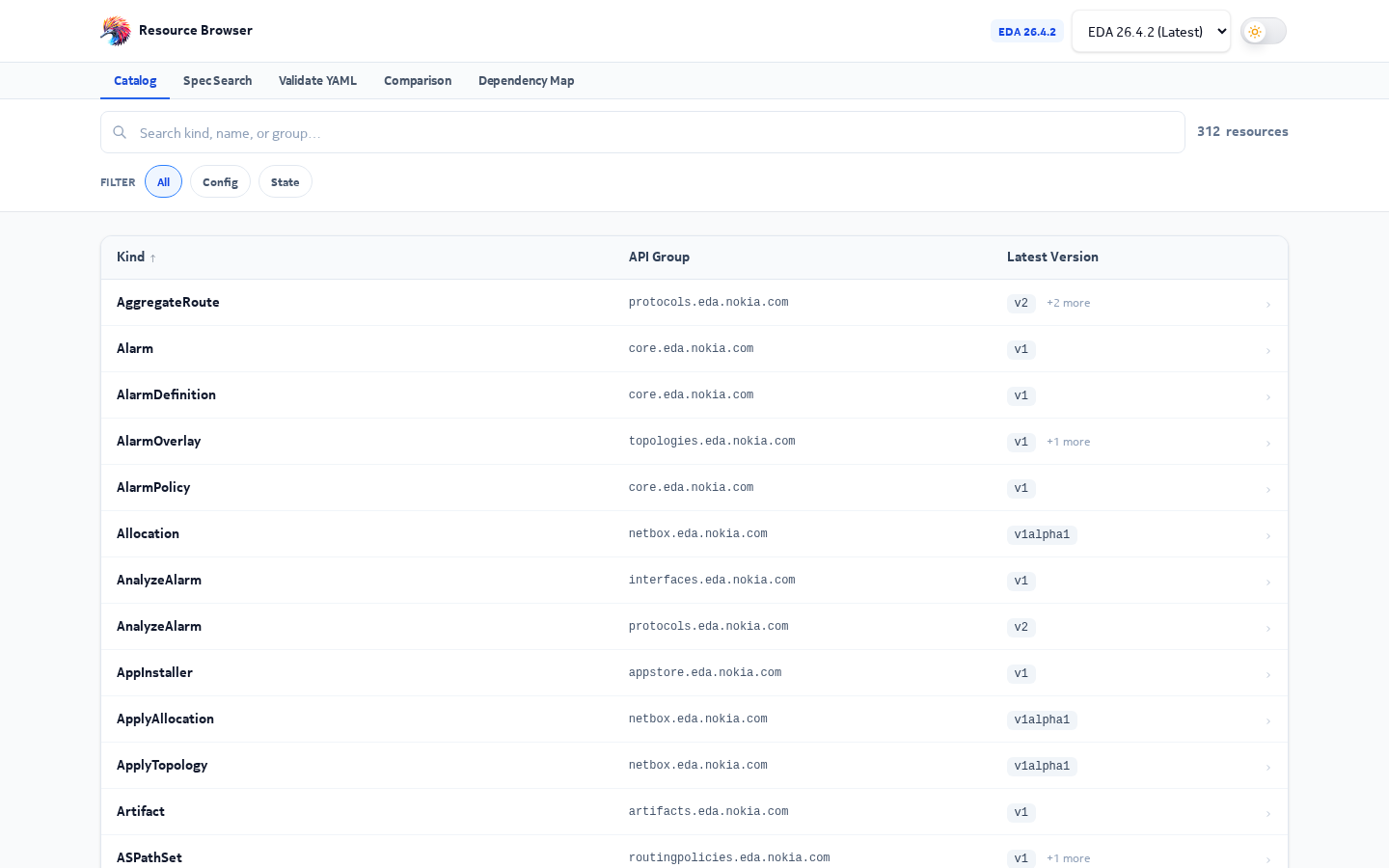
| Catalog | Find a CRD, read its spec and status schema, compare it with another release |
Catalog & CRD detail |
| Release Changes | See what was added, removed, changed or deprecated between two consecutive releases | Release Changes |
| Spec Search | Search for a field name, type or enum value across every CRD at once | Spec Search |
| Validate YAML | Paste manifests and check them against the real schemas, then fix errors | Validate YAML |
| Comparison | Diff all CRD schemas between any two releases and export a report | CRD Comparison |
| Dependency Map | See which CRDs a resource depends on and which depend on it | Dependency Map |
| API Explorer | Find a resource, see what you can do with it over the API, and copy the request | API Explorer |
| API Comparison | Diff the OpenAPI specs of two releases | API Comparison |
flowchart LR
  R["Pick a release"] --> C["Catalog"]
  C -->|"open a CRD"| M["CRD detail: Schema / Compare"]
  C --> S["Spec Search"]
  C --> V["Validate YAML"]
  C --> D["Dependency Map"]
  RC["Release Changes"] -->|"click a kind"| M
  CMP["Comparison"] -->|"click a diff line"| M
  S -->|"click a result"| M
  V -->|"view schema"| M
  D -->|"view CRD"| M
  R --> API["API Explorer"]
  API --> APIC["API Comparison"]
Quick start
- Choose a release. The catalog opens on the latest EDA release. The release buttons on
the home page switch between them, and the choice is kept in the URL (
?release=26.8.2). - Find a CRD. Type a kind like
Interface, a short name likefabrics, or a group likeroutingin the search box. Press Enter to open the top match. - Read the schema. The CRD window shows
specandstatusas an expandable tree, with types, required fields, enums and defaults. - Share it. Every view has a URL you can copy. The
#button next to a field copies a link that opens the CRD and highlights that exact field. See URLs & sharing.
Releases
The site carries one data set per EDA release (currently 25.4.2 to 26.8.2). The newest release is marked (latest) and is the default everywhere. Each tool keeps the release you picked when you move to another tool through the header or the home page quick actions.
How it works, in one picture
flowchart TB
  subgraph Build["At build time (developer machine)"]
    K["EDA cluster CRDs and OpenAPI"] --> P["Data pipeline scripts"]
    P --> F["Static JSON and YAML files"]
  end
  subgraph Edge["Cloudflare"]
    F --> A["Static assets"]
    W["Worker: pages and /api"]
  end
  B["Your browser"] -->|"fetch schemas"| A
  B -->|"HTML pages, AI Fix"| W
Almost all work — searching, diffing, validating, graph layout — happens in your browser on static files. A small Cloudflare Worker renders pages and runs the optional AI Fix. The developer guide explains each part in depth.